
Tracking a workday and remembering which project and file you were in takes more than a browser timer. Aura — Work-flow intelligence is a published product at that intersection: a Chrome extension, a VS Code extension, and a local layer that connects both environments.
This article explains what the product solves and the architecture behind the monorepo — at a public level, without strategic business decisions.
Product walkthrough (YouTube).
Download extensions — official page ↗
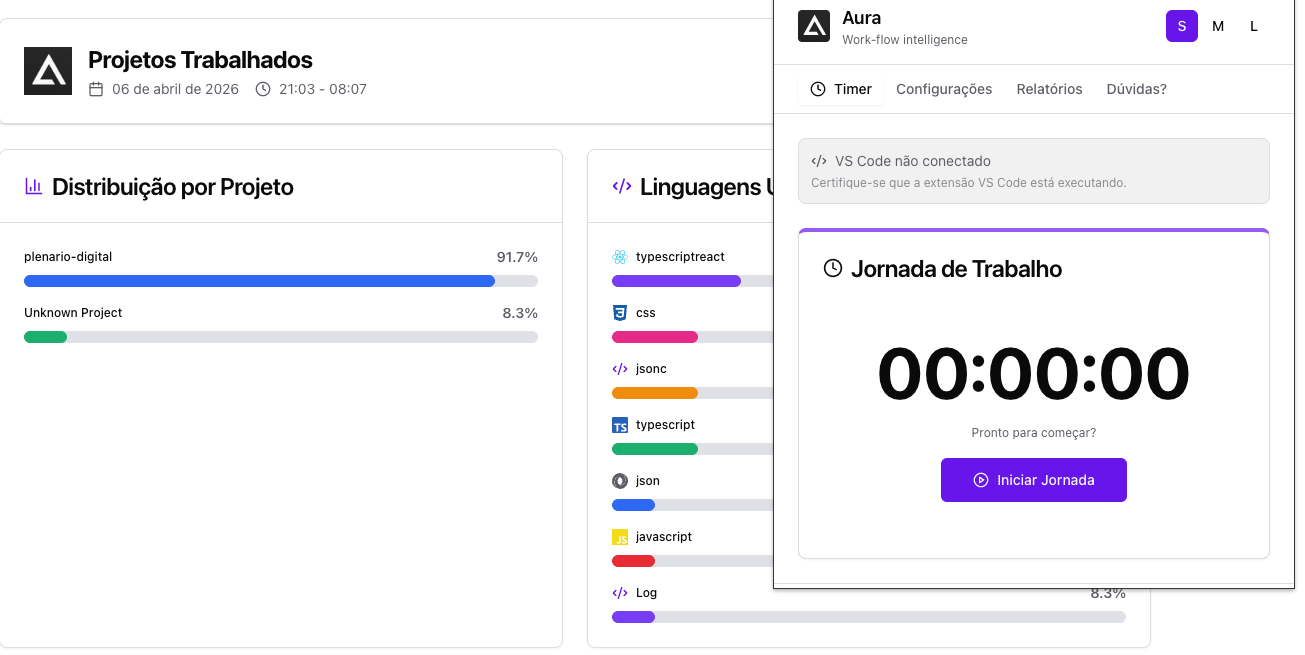
Chrome: work session control and project view when VS Code is connected.
1. What motivated it
Many people switch tabs, repositories, and tools throughout the day. Generic timers measure duration but not technical context — workspace, active file, language. Without that, work reports stay shallow and productivity reflection turns into guesswork.
I wanted something privacy-friendly (data on device), aligned with a real flow (browser + editor), and able to grow useful telemetry — project mix, languages, focus signals — without relying on a centralized backend for the basics.
2. Two extensions, one flow
The monorepo bundles two independent packages that complement each other:
- Chrome (Manifest V3): workday control, time bank, reports, and telemetry panels in the extension UI.
- VS Code: context provider — project, file, and language of what is open in the editor.
The editor extension exposes a local HTTP endpoint (preferred port 57432, with fallback in a reserved range). Chrome consumes that context to tie work periods to what was being edited. Multiple VS Code windows can coexist; inactive contexts expire after a short interval so stale entries drop off.
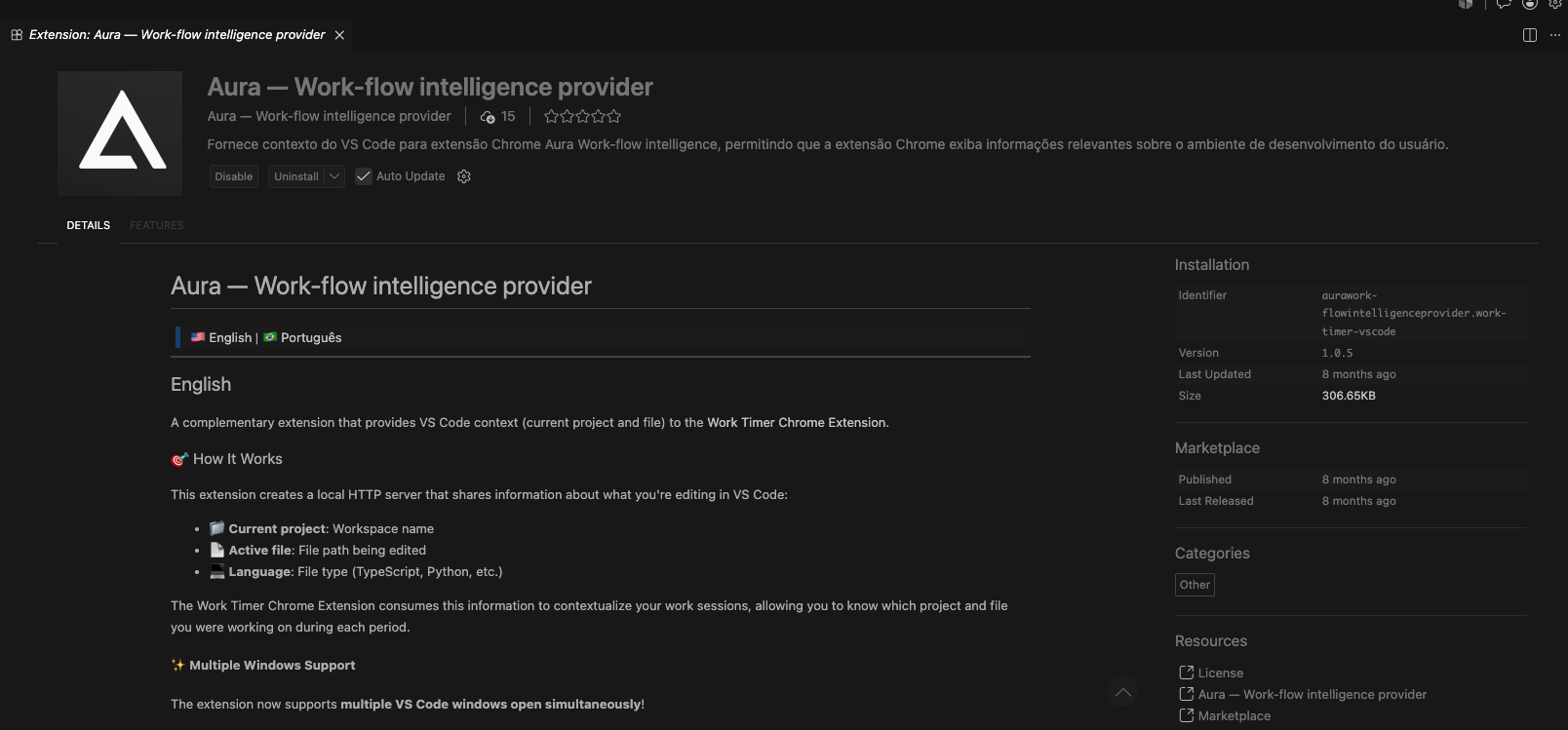
VS Code: companion extension published as the context provider for the Chrome pair.
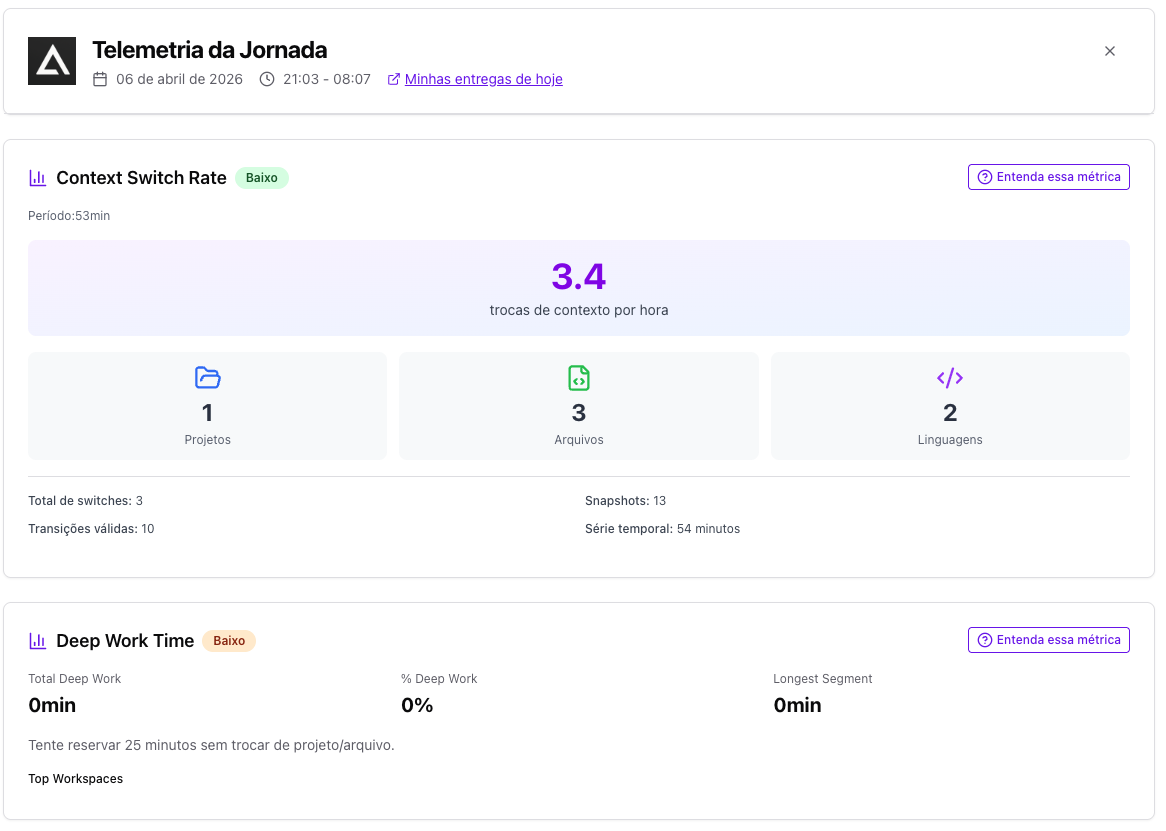
Telemetry in the extension: focus and context-switch readings from local snapshots.
3. Locally distributed architecture
Instead of a remote service, the design treats each runtime as a cooperative node on the same machine:
- Service worker and React UI in Chrome, with persistence via platform storage APIs.
- Embedded HTTP server in the VS Code extension, driven by editor events.
- A shared file under the OS temp directory to sync multiple editor windows before responding to the browser.
This locally distributed topology favors privacy and latency: nothing has to leave the device to correlate session and context. The conscious trade-off is operational — local ports, extension lifecycles, and UX when VS Code is not connected are visible to users (as in the popup warning).
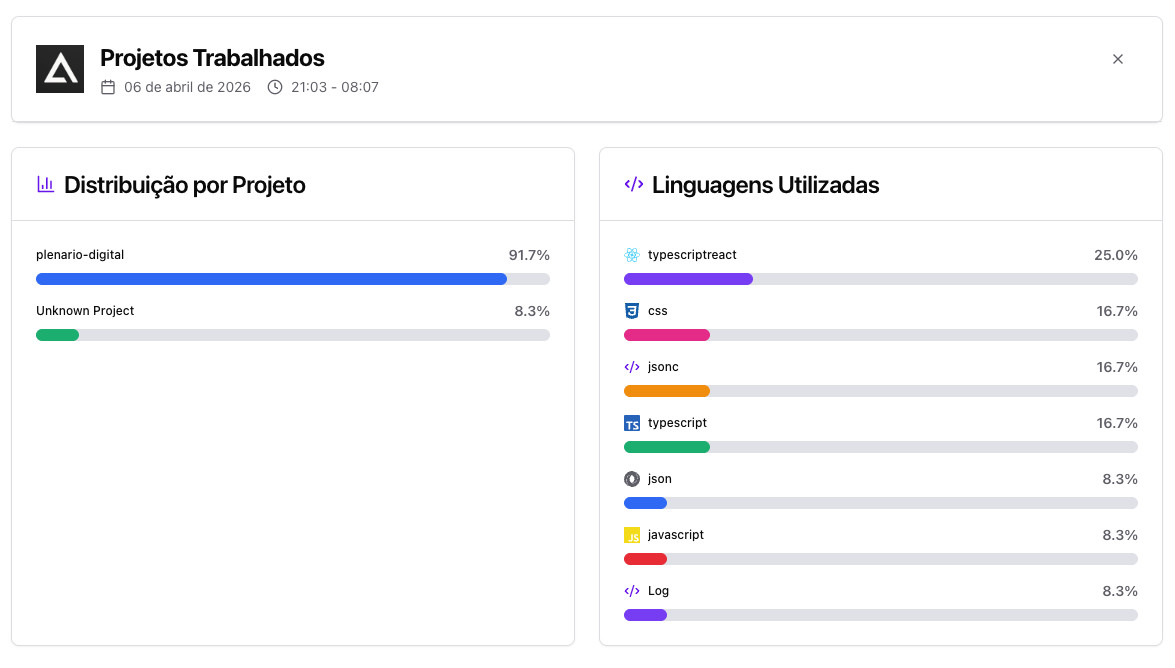
Project and language breakdown — aggregated from locally captured context.
4. Stack and scope of this write-up
Main technologies: TypeScript on both sides; React + Vite + Tailwind in Chrome; VS Code extension API and Node HTTP in the provider; unit tests on parts of telemetry; PT/EN i18n in the UI.
I am not covering monetization models, private roadmap, or business metrics here — only the engineering slice: join browser and editor with simple contracts, fail clearly when the local bridge is down, and iterate on data the user controls.
Aura is already listed on the Chrome Web Store and VS Code marketplace — get both from the official download page. If you mix work tracking with code context, install the pair and see where local architecture helps day to day; usage feedback still guides product evolution.